



Instagram uses more than one font, and in August 2026 the answer changed. The logo is now a new custom wordmark, part script and part sans, which replaced the cursive logo that had sat at the top of the app for ten years. The brand runs on Instagram Sans, a custom family first released in 2022, and this year it gained two new members called Instagram Pen and Instagram Mono. But the posts, captions and comments you actually read are set in your phone's own system font.
I design typefaces for a living and I post my own type work on Instagram as @type.otf, so i've been looking at this logo for longer than I'd like to admit. Below I go through each layer, what changed in the 2026 rebrand, why the new r caused such a fuss, and the free fonts I'd use if you want the look in your own work.
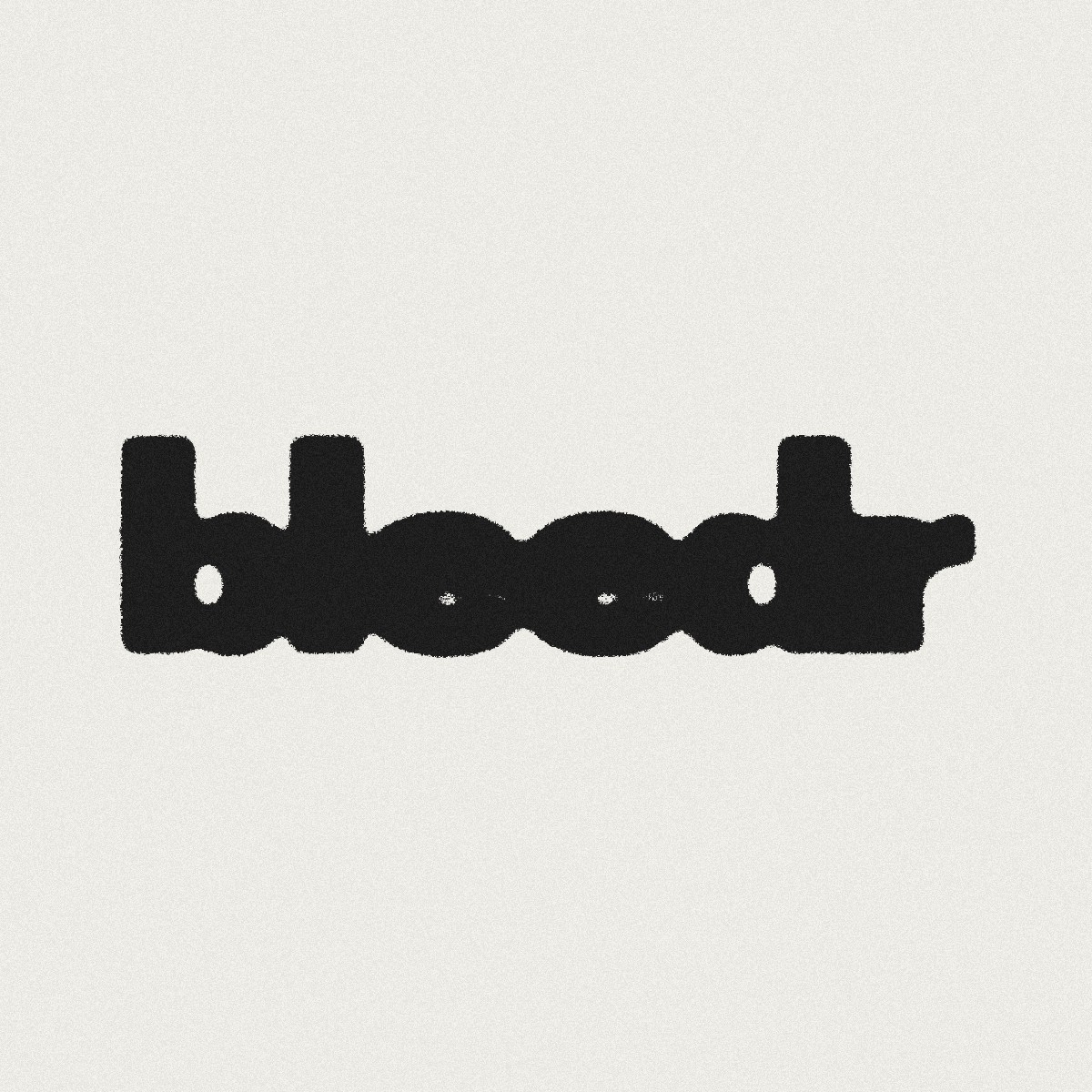
Shown in free stand-ins from Google Fonts. Instagram's own fonts and wordmark aren't available to the public.
What font does Instagram use, layer by layer
The reason you get so many different answers to this online is that most articles were written before the rebrand, and a lot of them mix up the logo with the app. The camera icon, the word "Instagram" at the top of the app, an Instagram advert and your friend's caption are four separate jobs. Here's the full picture.
| Where you see it | Font | Notes |
|---|---|---|
| Logo since August 2026 | New custom wordmark | Bolder and simpler, with the script flourishes kept on the s, r and g |
| Logo, 2013 to 2026 | Custom script by Mackey Saturday | Hand-redrawn from the original, shown in black from 2016 |
| Logo, 2010 | Billabong, customised | A retro script font |
| Brand, Stories and Reels | Instagram Sans | Custom family made with Colophon Foundry in 2022, updated in 2026 |
| Handwritten touches | Instagram Pen | New handwriting typeface, added in 2026 |
| Monospaced details | Instagram Mono | New monospaced typeface, added in 2026 |
| Posts, captions, comments | Your system font | San Francisco on iPhone, Roboto on Android |
The 2026 wordmark and the Instagzam problem
Adam Mosseri, the head of Instagram, showed the new wordmark on 13 August 2026. It's the first real change to the logo in about a decade. According to Meta's own write-up, the team tried hundreds of directions, including all caps, camera ideas and literal handwriting, before coming back to a script. Jasmine Probst, Instagram's director of product design, put it simply: "Script reflects individuality, so referencing that felt right."
The result is heavier and more compact than the old one. The letters still join up and the loops are tighter, but most of the letters have been squared off so they read more like a sans. The curly bits are now mostly on the s, the r and the g. The camera icon didn't change at all, and the famous gradient is still there, just used more lightly than before.
So what's it set in? Nothing you can buy. It's custom lettering drawn for one word, so there's no font file behind it.
The internet found the problem within hours. Read quickly, the new r next to the g looks like a z, and people started calling it Instagzam. I don't think it's a disaster. Logos get read as SHAPES long before they get read as letters, and in six months most people won't see the z anymore. But it does show how hard it is to mix script and sans in one word. Script letters are designed to flow into each other, so when you straighten most of them out, the few that keep their curls suddenly carry a lot more weight. The r was always going to be the one people stared at.
Instagram didn't drop the script. It squared most of it off and kept the curls where it wanted you to look.
Where the old script logo came from
The very first Instagram logo in 2010 was based on Billabong, a loose retro script font. It suited the early app perfectly, because the whole point of Instagram back then was making phone photos look like old film.
In 2013 Instagram asked designer Mackey Saturday, a friend of co-founder Kevin Systrom, to clean it up. He redrew the script by hand rather than starting again, keeping the spirit of Billabong but smoothing out the line from the I through to the m. That's the version most people picture when they think of the Instagram logo. When the gradient camera icon arrived in 2016 the script stayed, now in black, and it carried on like that until this year.
If you love that older look, don't go hunting for "the Instagram font" download. Billabong is still around, and there are free scripts that get close, which I cover further down.
Instagram Sans is the font doing the real work
Instagram Sans came out in May 2022, made with the UK foundry Colophon Foundry. Instagram said it took its cue from the squircle, that shape somewhere between a square and a circle that you see in the app icon, and from the script letters of the wordmark. In practice it's a mix of a grotesque and a geometric sans, with soft rounded corners and a few quirky characters like the Q and the @. It came in Regular, Headline and Condensed styles, and it was built to support loads of writing systems, including Arabic, Thai and Japanese.
This is the font you see in Instagram's adverts and marketing, and Instagram described it at launch as a way for people "to express themselves on Instagram in places like Stories and Reels." So when you add text to a Story you're often typing in it without knowing.
The 2026 rebrand includes an updated Instagram Sans. Meta hasn't said much about what changed in detail yet, and the full system is still rolling out, so I'd treat any confident claims about the new version with a bit of caution for now.
Instagram Pen and Instagram Mono are new this year
The two genuinely new typefaces are Instagram Pen, a handwriting face, and Instagram Mono, a monospaced one where every letter takes up the same width. Meta announced both in August 2026 but hasn't shared much yet about who drew them or exactly where they'll appear. The wordmark is rolling out first, and the rest of the identity follows through 2026 and beyond.
Pen makes a lot of sense to me. Scribbling on Stories has been part of how people use Instagram for years, and a proper handwriting font lets the brand speak in that same voice. Mono is the more interesting choice. Brands tend to reach for monospaced type when they want to feel a bit more honest and techy, and it's very good at numbers, dates and small details that need to line up. i'd expect to see it in data and stats before anywhere else.
What font Instagram uses for posts and captions
None of the custom fonts above show up in your feed. Captions, comments, usernames and DMs are all shown in your device's system font. On an iPhone that's San Francisco, on most Android phones it's Roboto, and on the website it falls back to whatever your computer uses as standard.
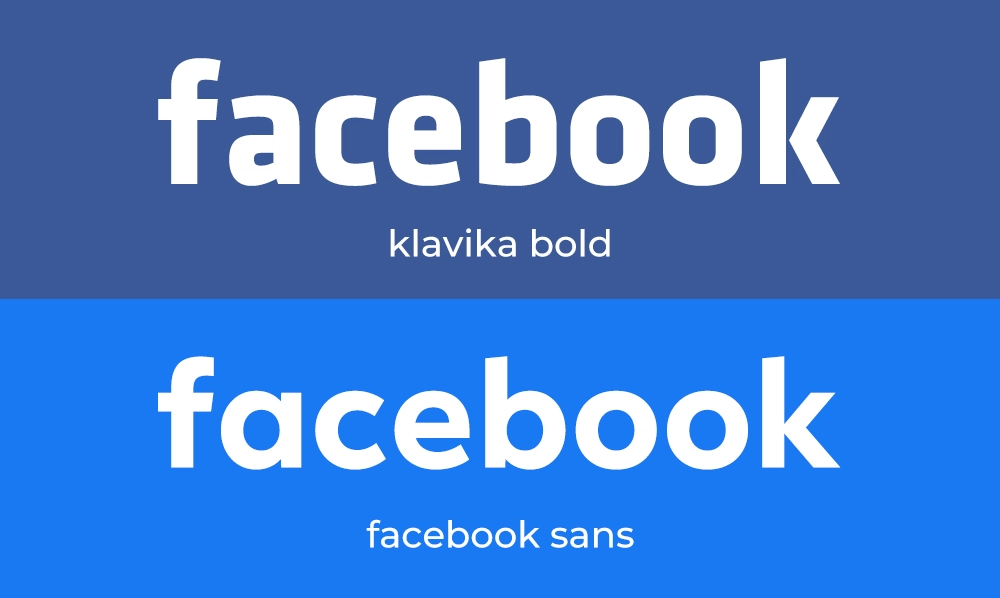
There are good reasons for this. The font is already on your phone, so nothing extra needs to load, and Apple and Google have spent years making their system fonts read well at small sizes and with accessibility settings turned up. It also means the app feels native on whatever phone you hold. Facebook does exactly the same thing, as I explain in what font Facebook uses, and YouTube leans on Roboto for much the same reason in what font YouTube uses.
The side effect is that you can't pick the font for your caption at ALL. Whatever you write, your followers see it in their own phone's font.
Story fonts change faster than the logo
The Stories text tool is the one place Instagram lets you choose. The original set had names like Classic, Modern, Neon, Typewriter and Strong, and the menu has grown since then with more styles added and swapped around over the years. Instagram Sans is part of that mix.
I'd keep it simple. Pick one style that suits your account and stick with it, because a grid of Stories in five different fonts looks messy fast. And if you spot a typeface in someone else's Story or advert that you'd like to use, my guide to finding a font from an image shows the free tools that can match it from a screenshot.
You can't download any of these
Instagram Sans, Instagram Pen, Instagram Mono and the wordmark all belong to Meta. They aren't sold, they aren't on Google Fonts or Adobe Fonts, and they aren't in Meta's public brand downloads. Anything online labelled "Instagram font" is an unofficial copy or a lookalike.
Meta's brand rules are also strict about the name itself. You're not meant to mix "Insta" or "gram" into your own brand name or restyle the word Instagram. So even with a perfect copy of the lettering, you couldn't use it on your own logo without asking for trouble.
Free Instagram font alternatives I'd actually use
You don't need the real files to get the feel. These are all free on Google Fonts, which means they come with an open licence, but check the licence anyway before you use any font commercially, especially if you've found it somewhere else.
| Font | Closest to | Why I'd use it |
|---|---|---|
| Grand Hotel | The old script logo | The closest free match I know for that retro, joined-up feel |
| Lobster | The old script logo | Heavier and bolder, but massively overused, so be careful with it |
| DM Sans | Instagram Sans | Clean low-contrast sans that works for headlines and body text |
| Plus Jakarta Sans | Instagram Sans | Slightly rounder and friendlier, good on social graphics |
| Barlow Condensed | Instagram Sans Condensed | Narrow and tidy for tall text on Stories and Reels covers |
| Caveat | Instagram Pen | Casual handwriting that still reads well on a small screen |
| DM Mono | Instagram Mono | A friendly monospace that sits nicely next to DM Sans |
For a clean modern look I'd pair DM Sans for headlines with DM Mono for small details and dates. It gives you most of the new Instagram feel with two free fonts from the same family. If you want something with more character than DM Sans, I made Noire, a variable sans, for exactly this kind of everyday social work. And there are more free options in my list of the best Google Fonts for logo design.
Those Instagram font generators for your bio
If you came here looking for fancy fonts for your bio or username, the generator sites don't actually change Instagram's font. They swap your letters for lookalike Unicode symbols, like 𝓽𝓱𝓲𝓼 or 𝕥𝕙𝕚𝕤, which show up the same on every phone. They're fun for a name, but screen readers can read them out badly or skip them, and people searching for you won't find a name written in symbols. I'd keep them for a word or two at most.
Quick answers about Instagram fonts
What font does Instagram use?
Instagram uses several. The logo is a custom wordmark that was redrawn in August 2026. The brand uses its own Instagram Sans family, which arrived in 2022, along with two new typefaces from 2026 called Instagram Pen and Instagram Mono. Posts, captions and comments are shown in your phone's system font, which is San Francisco on iPhone and Roboto on Android.
What font is the new Instagram logo?
It isn't a font. The wordmark Instagram launched on 13 August 2026 is custom lettering drawn for that one word. It keeps a script feel, with the flourishes mostly on the s, r and g, while the other letters are squared up. There's no font file you can download for it.
What was the old Instagram logo font?
The first Instagram logo in 2010 was based on Billabong, a retro script font. In 2013 the lettering was redrawn by hand by designer Mackey Saturday, and that script stayed in use, in black from 2016, until the August 2026 redesign.
What font does Instagram use for captions and comments?
Instagram uses your device's own system font for captions, comments and usernames. That's San Francisco on an iPhone and Roboto on most Android phones, so the same post looks slightly different depending on who is reading it.
Can I download Instagram Sans?
No. Instagram Sans, Instagram Pen and Instagram Mono are owned by Meta and aren't sold or given away. Files labelled as the Instagram font online are unofficial copies. Free fonts such as DM Sans, Caveat and DM Mono on Google Fonts give a similar feel.
What free font looks like the Instagram logo?
For the old script logo, Grand Hotel on Google Fonts is the closest free match. Lobster is a heavier alternative. Neither is an exact copy, and you shouldn't use either to make something that looks like Instagram's own logo.
Test your type at phone size before you post
Whatever fonts you pick, remember that most people will see your post at thumb size, scrolling fast. So before you post anything with text on it, send it to your phone and look at it small. Test it SMALL, not on your big monitor. If you can't read it in a second, it's too thin, too long or too fancy. And since the photo underneath usually does most of the work on Instagram, our free Color Echo presets are an easy way to keep your grid looking consistent while you sort the type out.