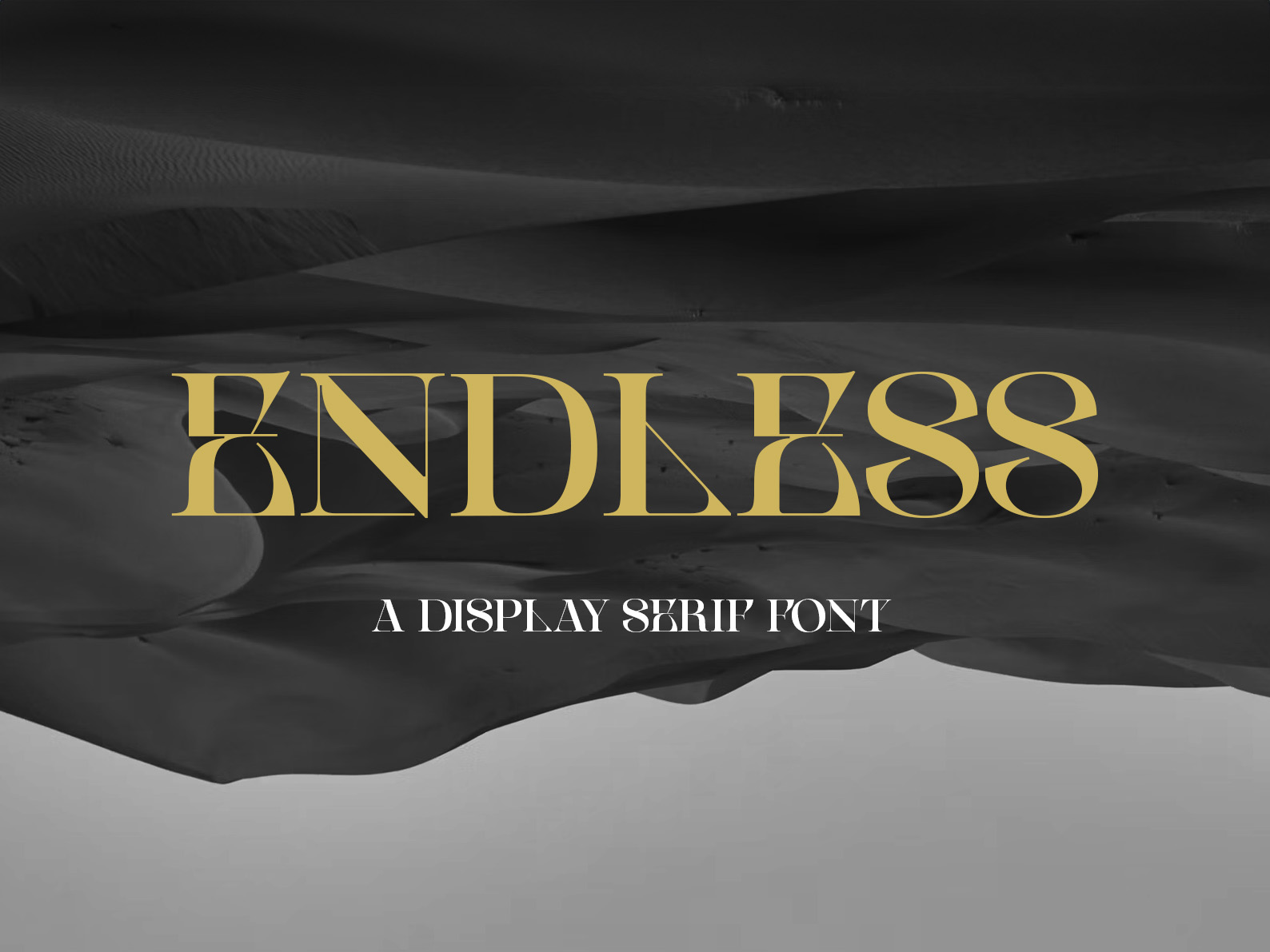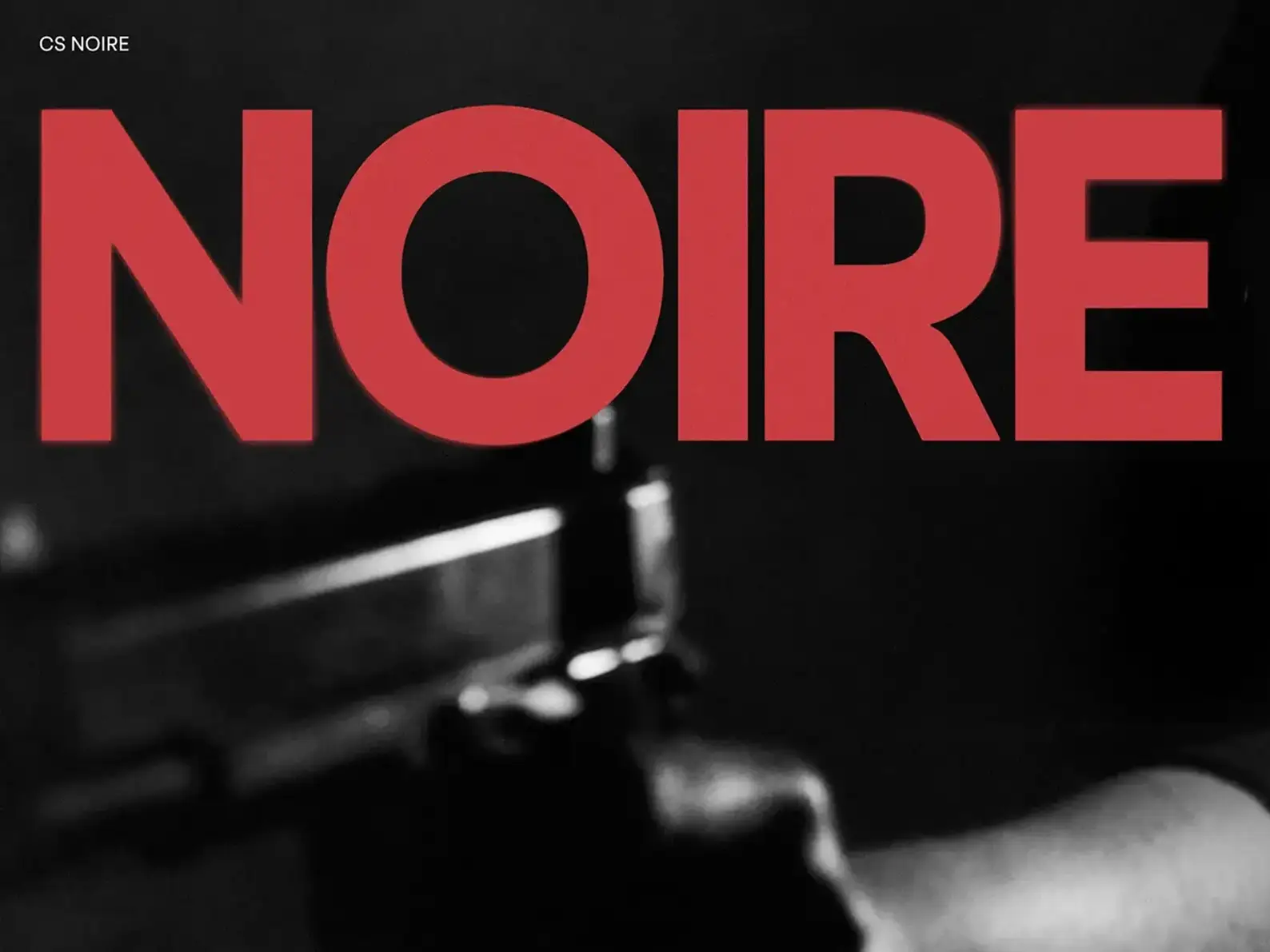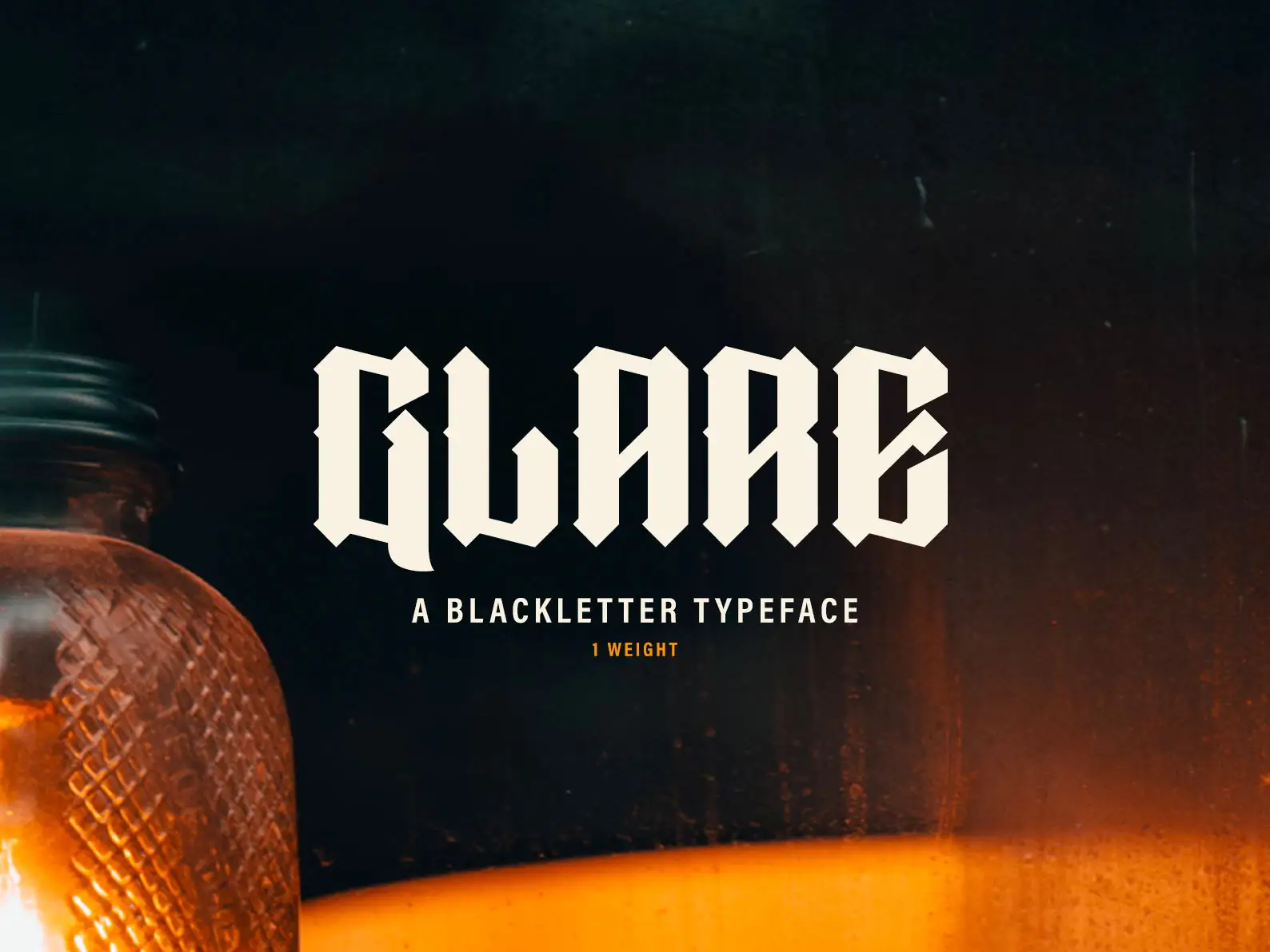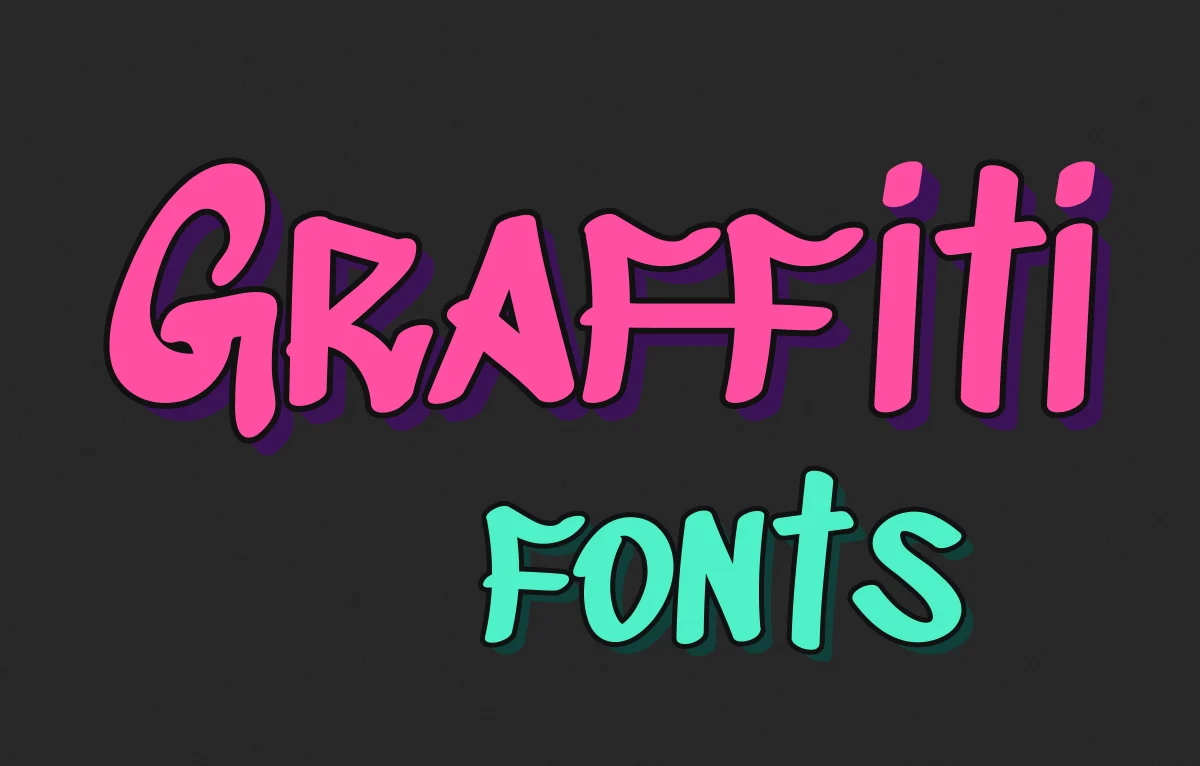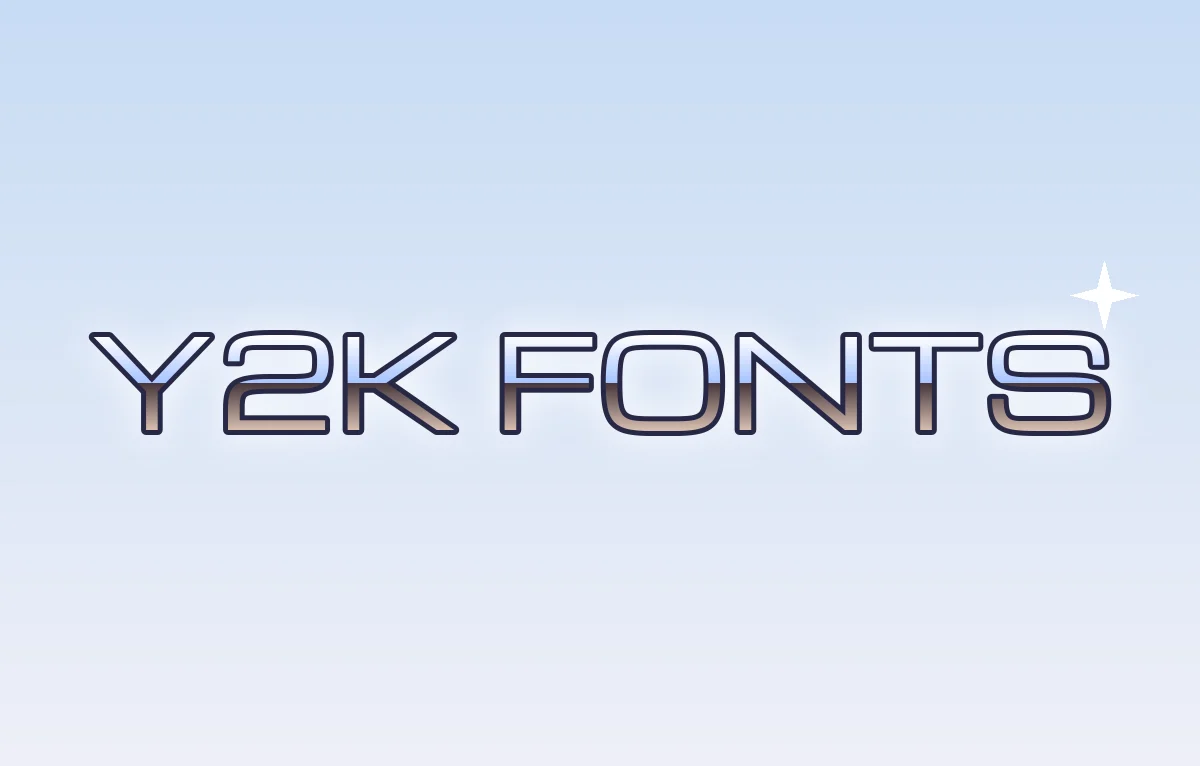
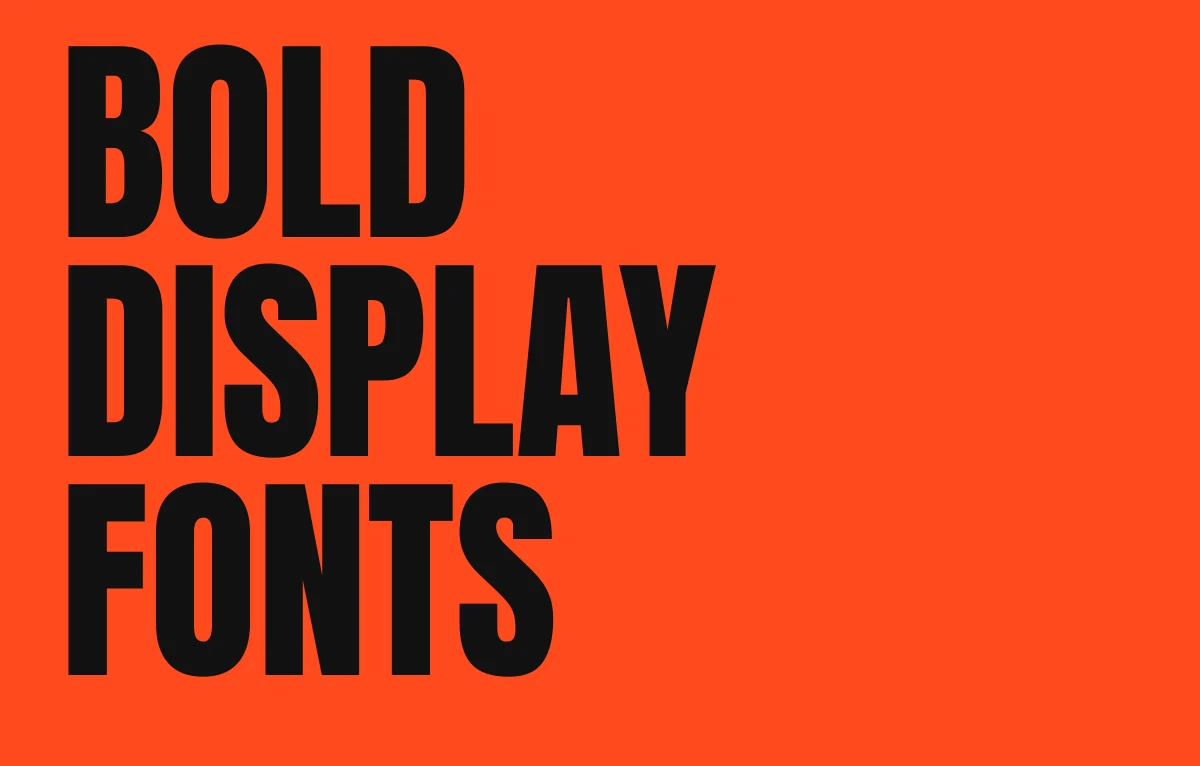
Bold display fonts are what you reach for when the words have to be seen from across a room. Think posters, logos, packaging, thumbnails and the side of a van. They're the loudest tools in the box and they're also the easiest to get wrong.
Big heavy type is a lot of what I've done over the years, especially in branding, and I've drawn a couple of these myself. This post covers what makes a good one, the ones I'd actually use and how to set them so they look properly done and not just big.
What makes a font a display font
A display font is designed to be used big, usually as a headline or a logo. That sounds obvious but it changes how the letters are drawn. Display fonts can have tighter spacing, finer details and more extreme shapes because they'll never have to survive being 9pt on a menu.
Text fonts are the opposite. They're drawn with looser spacing and sturdier details so they stay readable small. That's why a display font used for body text falls apart so quickly, the details clog up and the spacing that looked sharp in a headline suddenly looks cramped.
Heavy and good aren't the same thing
Lots of fonts come in a black weight. That doesn't make them good bold display fonts. A text family pushed out to its heaviest weight often ends up with the gaps inside the letters, the counters, nearly closing up. The e turns into a blob and the a goes muddy.
Fonts that are drawn heavy from the start deal with this properly. You'll often see little notches cut in where strokes meet, called ink traps. They were invented so ink wouldn't pool in the corners when printing, and on a heavy display face they keep the joins crisp. At big sizes they also just look nice, which is why plenty of modern fonts show them off.
So when you're choosing, zoom right in on the lowercase a, e and s. If they still look open and clear at the heaviest weight, the font was made for this job.
Free bold display fonts I'd use
All of these are on Google Fonts, so the licence lets you use them commercially. That's not a given on other free font sites, so check before you print anything.
Anton is tall and condensed and very heavy. It's my go-to free font for posters because you can get the words really big in a narrow space.
Bebas Neue is the one you've seen everywhere. It's all caps only, clean and condensed. It's so common now that it can look a bit default, but i still use it because it's reliable.
Oswald is a reworking of the old condensed American gothic style. It has proper lowercase and a decent range of weights, so it's more flexible than Bebas.
Archivo Black is wider and squarer. It's good when you want bold and plain without going condensed, like a sports kit or a bold sign.
Abril Fatface goes the other way. It's a fat face serif with huge contrast between thick and thin strokes, and it suits magazine covers and anything that wants to feel a bit grand.
Alfa Slab One is a heavy slab serif with a lot of warmth. It looks good on food packaging and old-style shop signs.
The classics worth knowing
Cooper Black is my favourite of the old ones. Oswald Cooper drew it in the early 1920s and it's been on everything since, from 70s record sleeves to the Beach Boys' Pet Sounds cover. It's soft and round and friendly in a way most bold fonts aren't. The airline easyJet still uses it, which tells you how well it holds up at a distance.
Impact came out in 1965 and spent decades as just another font on your computer. Then the internet turned it into the meme font. It's still very good at what it was made for, which is shouting a few words in a small space. I wrote about how that happened in my post on the font used for memes.
Futura in its heavier and condensed weights is another one that's carried a lot of brands, including a custom version in the Nike wordmark. There's more on that in my Nike logo font post.
If you've got a budget, Druk by Berton Hasebe is about as bold as type gets. It was first drawn for Bloomberg Businessweek and it's built to fill a page with as few letters as possible.
And then there's our own. I drew Defiant for posters and big advertising. It takes the sharp contrast of Didone serifs and puts it on a sans structure, so it's heavy but still has some elegance. The rest of our display faces are in the font shop.
The best fonts for YouTube thumbnails
Thumbnails are a special case. Most people see them on a phone at about the size of a postage stamp, so your font has to work tiny AND loud at the same time.
Condensed heavy sans serifs win here. Anton, Bebas Neue and Impact all work because you can fit a few words big without them getting squashed. Montserrat in its Black weight is good too if you want something wider and a bit friendlier. Whatever you pick, add a thick outline or a solid shadow so the words don't disappear into the photo behind them.
Keep it to three words or less. Nobody reads a sentence on a thumbnail. If you're curious, YouTube's own interface font is covered in my post on what font YouTube uses.
Setting big heavy type so it looks right
This is the bit people skip, and it's what separates a good poster from an okay one.
Tighten the spacing. Fonts are spaced for an average size, and at poster sizes the gaps between letters look huge. Pull the tracking in until the letters nearly touch, then go through the pairs by eye and fix the ones that look wrong. The usual trouble spots are letters like A next to V, T next to o and anything next to an L. I've written more about it in my post on tracking in typography.
Tighten the line spacing too. Default line spacing is set for text. On a big all caps headline you can usually take it down to about the same as the font size, sometimes less, so the lines stack into one solid block.
Watch the breaks. One word sitting alone on the last line of a headline looks unfinished, so rewrite it or change the size until it balances. It's the same idea as a widow or orphan in body text.
And go bigger than feels comfortable. i nearly always find the first version of a poster headline is too timid. If the font is built for it, let it fill the space.
Use one and let it shout
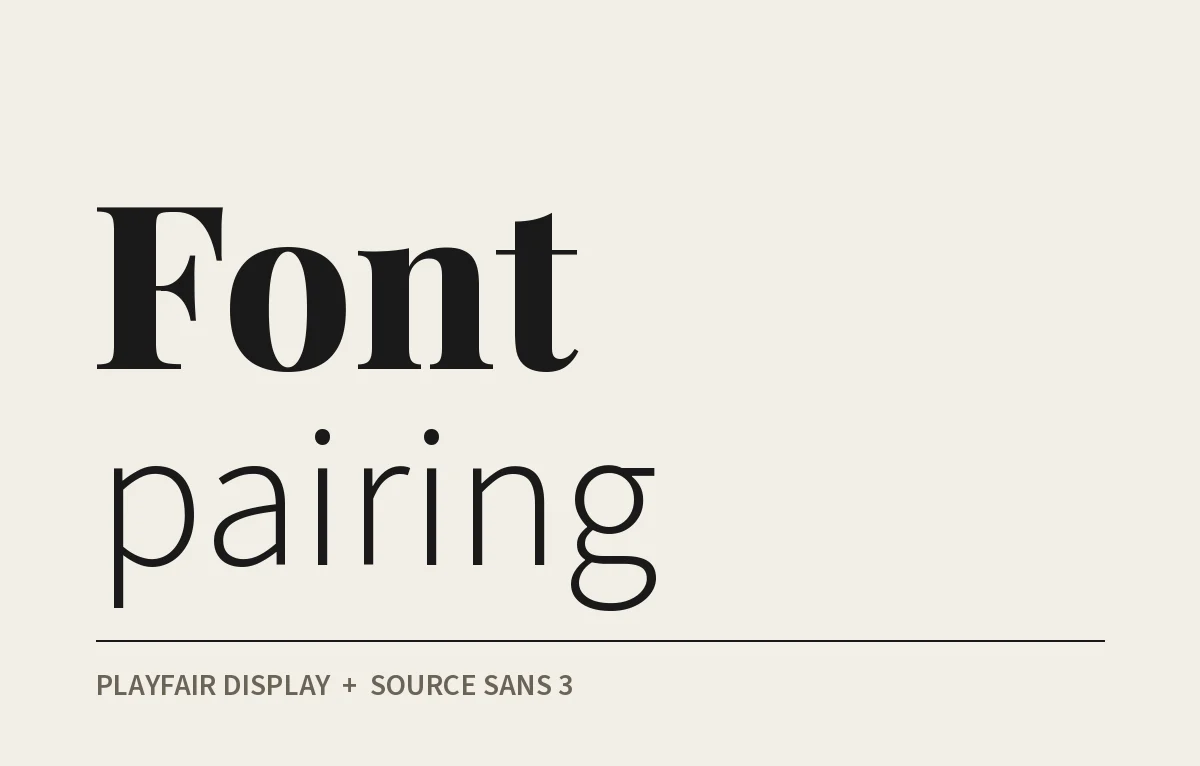
A bold display font works because everything around it is quieter. If you use two of them on the same page they cancel each other out. Pick ONE, give it the headline and set everything else in a calm, readable text font so it has room to do its job. If you're not sure which text font to use, my post on font pairing goes through how I choose.