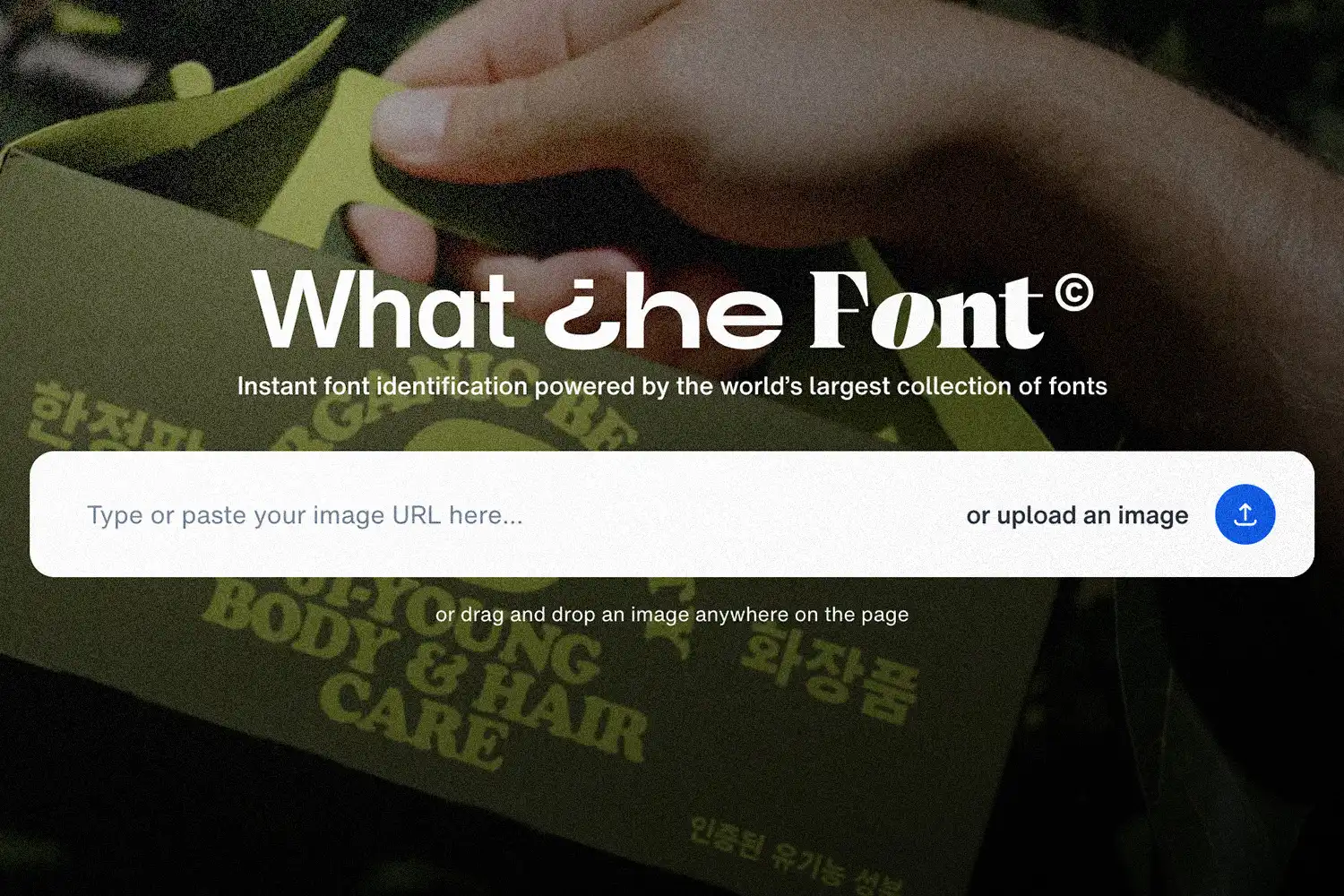
Identifying fonts from images can be a game-changer for designers and typographers. Whether you're inspired by a particular typeface in a design or need to match an existing font, knowing how to recognize fonts can save you time and enhance your projects. In this guide, we'll explore various methods and tools to help you accurately identify fonts from images.
Why Identifying Fonts Matters
Fonts play a crucial role in design, impacting readability, aesthetics, and brand identity. By identifying fonts from images, designers can maintain consistency across projects, replicate desired styles, and draw inspiration from existing designs. This skill is invaluable for creating cohesive and visually appealing work.
Methods for Identifying Fonts from Images
There are several methods to identify fonts from images, ranging from manual inspection to using advanced software. Here are some of the most effective techniques:
- Manual Inspection: Comparing the image with known fonts and identifying unique characteristics such as serifs, strokes, and spacing.
- Online Tools: Websites like WhatTheFont and FontSquirrel allow users to upload images and automatically detect the font used.
- Mobile Apps: Apps like Adobe Capture and Font Identify provide on-the-go font identification using smartphone cameras.
- Font Databases: Browsing extensive font libraries such as Google Fonts or Adobe Fonts to find a match based on visual similarities.
Ask the Community
Online communities and forums can be valuable resources for font identification.
Typophile and Reddit
Platforms like Typophile and Reddit's r/identifythisfont are filled with typography enthusiasts ready to help. Post your image with a request for identification, and community members will offer their insights.
Using Online Font Identification Tools
Online tools are among the most convenient methods for identifying fonts from images. Here's a step-by-step guide to using WhatTheFont:
- Upload the Image: Go to the WhatTheFont website and upload the image containing the font you want to identify.
- Select the Text: Highlight the text area in the image for the tool to analyze.
- Review the Results: The tool will provide a list of potential font matches, along with links to purchase or download them.
- Compare and Confirm: Compare the suggested fonts with your image to find the closest match.
Conclusion
Identifying a typeface from an image might seem daunting, but with the right tools and methods, it becomes a manageable task. Whether you choose online tools, mobile apps, manual comparison, or community help, each method has its strengths. By following this guide, you can confidently identify typefaces and maintain the visual integrity of your designs. Happy font hunting!