Font pairing gets made to sound much harder than it is. There are charts and generators and rules about x-heights, and people still end up with a poster that looks like two strangers stuck in a lift together.
I studied design for publishing and then spent 15 years doing type for brands, magazines and books. Most of what I know about how to pair fonts comes down to a handful of habits. They're all in here, along with the combinations I keep going back to.
Two fonts is nearly always enough
Use two fonts, one for headings and one for everything else. A third is fine if it has a very specific job, like numbers in a table or code on a website. But if you can't say what the third font is for, take it out.
Give each font a job before you pick it
Before you look at a single typeface, write down what each one has to do. The heading font has to grab attention and set the mood. The body font has to be comfortable to read for five minutes without anyone noticing it's there. Those are completely different jobs, so they need different fonts.
That idea stuck with me from my degree. We were taught to treat type as a system, so you're not picking two fonts you like, you're picking parts that have to work together. And the body font is the one that matters MOST, which is the opposite of how most people shop for fonts. They fall for a display face first and then grab whatever sans serif is nearest for the rest.
Flip it round. Find a body font you'd be happy reading for pages, then find a heading font with enough personality to sit on top of it.
Contrast is the whole trick
The classic serif and sans serif pairing works because the two are clearly different. When two fonts are nearly the same, the pairing looks like a mistake. When they're clearly different it looks like you meant it.
But contrast doesn't have to mean serif against sans. You can get it from weight, with a heavy display face over a light text face. You can get it from width, with a condensed heading over a normal body font. You can get it from age, something old next to something new. i usually go for one big difference and keep everything else fairly close.
What you want to keep close is the skeleton. Look at the x-height first, which is how tall the lowercase letters are compared to the capitals. Two fonts with a similar x-height sit together well on a page even if they look nothing alike. Two with very different ones always feel a bit off, and most people can't tell you why. Round letters matter too. A geometric sans with perfectly circular o's next to a narrow, upright serif can look awkward, and it's usually the o and the e that give it away.
The lazy route that actually works
Use a superfamily. Some typefaces come with matching serif and sans versions, drawn to share the same proportions. IBM Plex has a Sans, a Serif and a Mono. Adobe's Source family has Source Sans and Source Serif. Merriweather has Merriweather Sans and Roboto has Roboto Serif. They're all free.
It's not the most exciting way to do it. But you get the contrast with almost none of the risk, and for websites and reports where nobody has asked for personality, I'd look here first.
Font combinations I keep going back to
These are the best font combinations i've used enough times to trust. The heading font comes first each time.
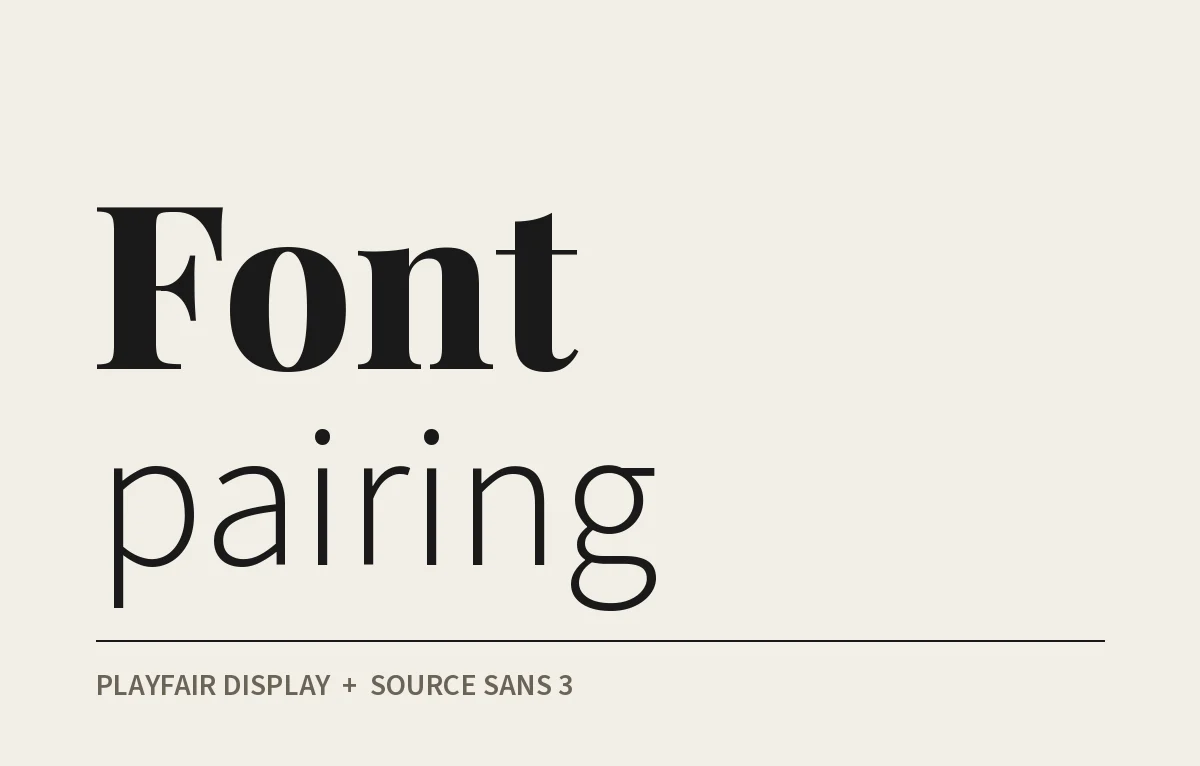
Playfair Display and Source Sans 3 is the classic magazine look, a high contrast serif for headings and a very plain sans for text. It's everywhere now so it won't stand out, but it won't let you down either. If you like this direction there are more options in my post on elegant fonts.
I like Fraunces and Inter together. Fraunces is a soft, slightly odd serif with a bit of a 70s feel to it. Inter was made for screens and stays easy to read at small sizes. This is a good one for brands that want to feel warm without looking old fashioned.
DM Serif Display and DM Sans are another matching pair, and both are free. It looks finished with hardly any effort, which makes it good for small business websites.
Futura and Garamond is old school, and it's lasted for good reason. Futura is all circles and straight lines from the 1920s and Garamond goes back to 16th century French printing. They have almost nothing in common and that's exactly why it works.
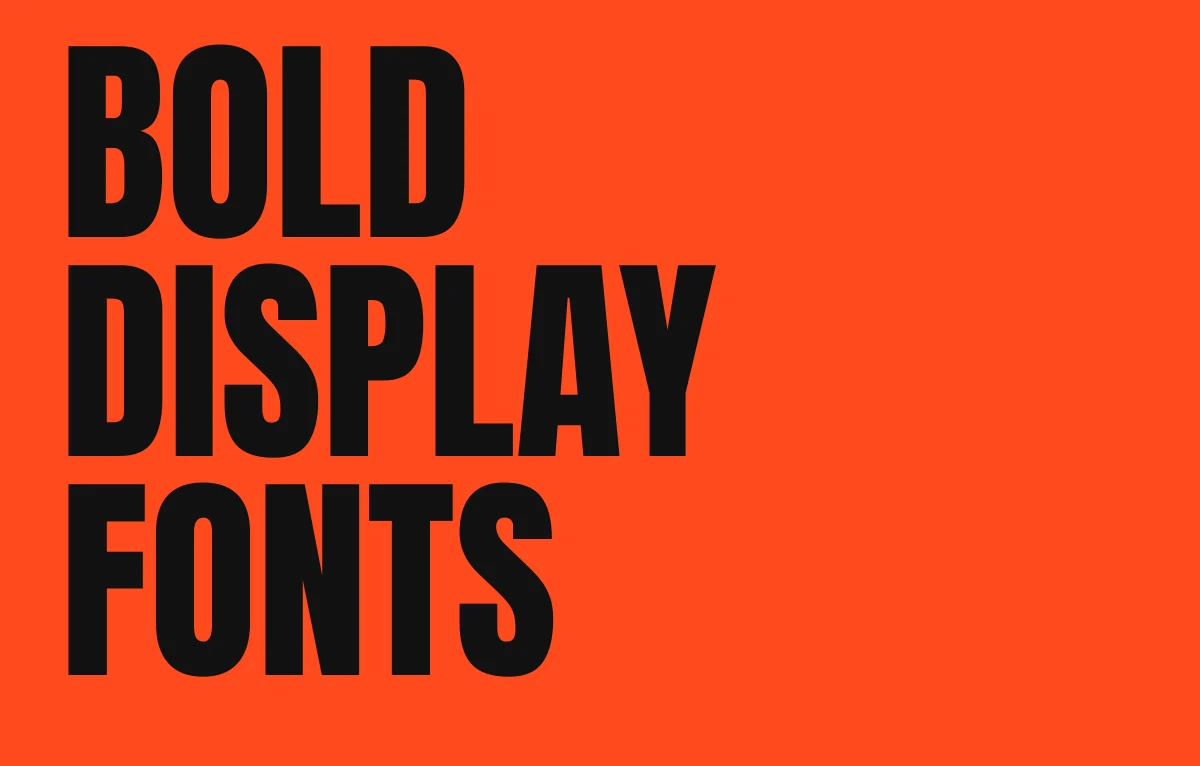
A bold condensed sans over a quiet serif is one I use a lot. I made Defiant as a bold display sans with condensed styles, and I'd put it over something like Source Serif or Lora for the body. The loud font takes the headline and the serif keeps everything readable underneath it. There are more heavy headline faces in my post on bold display fonts.
What goes with Montserrat
Montserrat is one of the most used fonts on Google Fonts, so this question comes up loads. It was based on old signs in the Montserrat neighbourhood of Buenos Aires, which is why it's so wide and geometric.
Because it's wide and quite heavy it needs a serif with some body to balance it. Merriweather is where I'd start, it's sturdy and has a big x-height that lines up nicely. Lora is softer and more bookish if you want something gentler. Playfair Display works the other way round, with Montserrat as the body text and Playfair doing the headings. What I wouldn't do is pair it with another geometric sans like Poppins. They're too close, and the page ends up looking like you changed your mind halfway through.
Pairing fonts in Canva and Google Fonts
Canva has ready made font combinations in the text panel, a heading, a subheading and some body text already set up. They're fine as a starting point. Just swap the body font if it's anything decorative, because a lot of those sets are built to look good as a thumbnail and not to be read. I've written up the Canva fonts actually worth using separately.
With Google Fonts, don't judge anything from the sample sentence. Type in your real heading and a real paragraph, then look at both together at the sizes you'll use. If you're hunting for a heading font there, my list of the best Google Fonts for logo design is a decent place to start.
Test the pair before you commit to it
This is what I do before I sign off any pairing:
- Set a real page with real words, not lorem ipsum.
- Look at it at the actual size. A pair that works at 72pt can fall apart at 14px.
- Print it if it's going to be printed, because screens lie about weight.
- Squint at it. If the headings and body blur into one grey block, there isn't enough contrast.
- Check the bold and italic of the body font, because you WILL need them.
Spacing is the other thing. Big display type usually needs the letters pulled a little tighter and body text is normally fine as it is. There's more on that in my post on tracking in typography.
Mistakes I see all the time
The most common one is two fonts that both want attention, like two scripts or two decorative display faces on the same page. Close behind is two sans serifs so similar that nobody can tell there are two. Pick ONE font to carry the personality and let the other one stay quiet.
The other big one is too many weights. If your page has a light, a regular, a medium, a semibold and a bold all doing different things, it reads as noise, so cut it down to two or three. And don't use the heading font for body text just because it looked nice in the heading. It was never drawn for that.
Keep a list of the pairs that work
When I find a pairing that works on a real job, i save it. A note on my phone, a screenshot, anything. After a few years you've got your own short list, and it'll be more useful than any generator because you've seen every pair on it do actual work.