
Basket

Total: $0.00

Palettes — free color palette generator

[04] How it works

A color palette generator that stays out of your way

Press space for five colors that go together, pull them from a photo, or pick a mode and let it set the mood. Every picture below is drawn by the real generator, so go on, press the buttons.

01

Press space, that's the whole trick

Every press gives you five colors that go together. Don't like them, press again. There's no account needed, no limit on how many you make and nothing to install.

Click any hex code to copy it, and undo takes you back to a palette you lost. Save the keepers to a free account and they wait for you here.
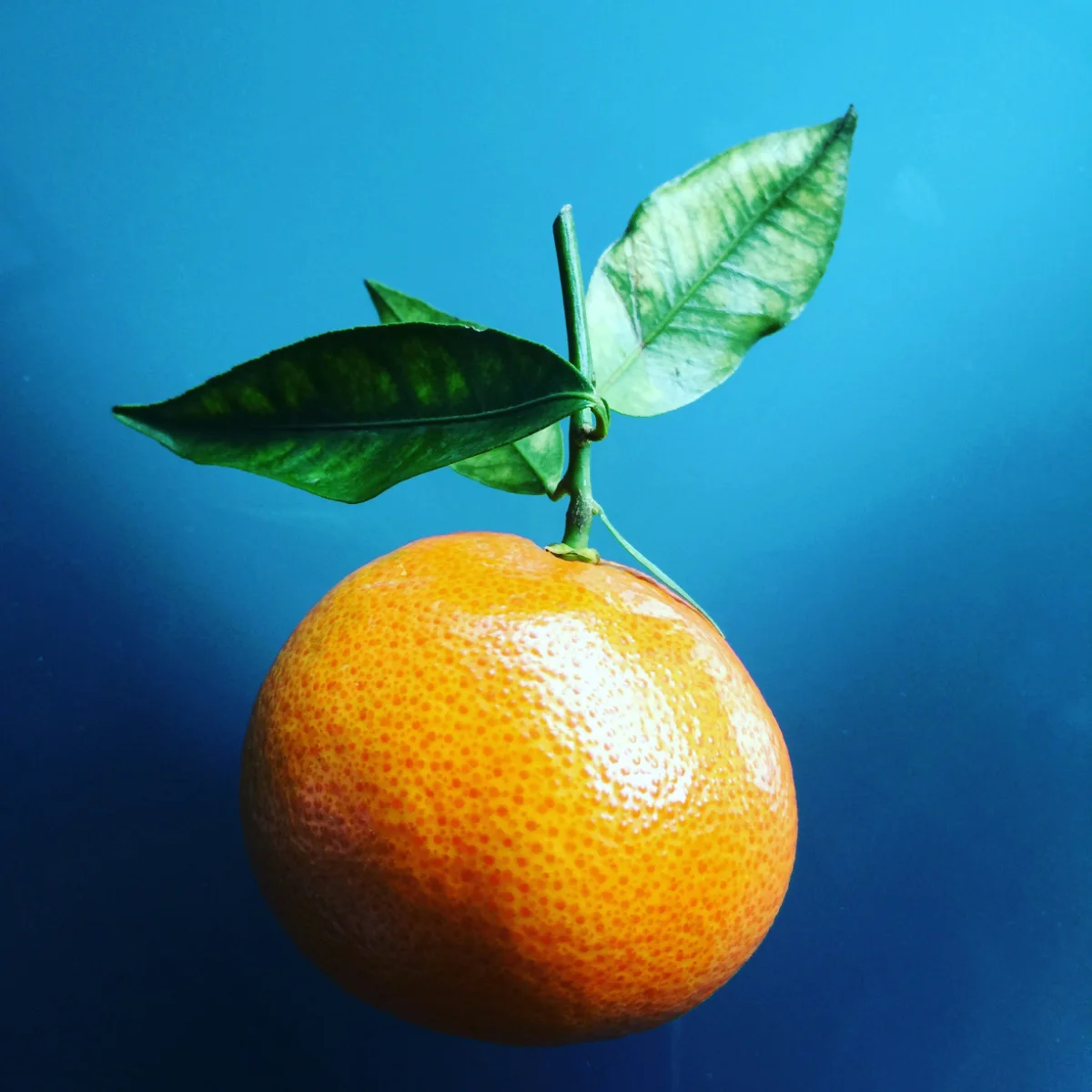
A photo the colors are pulled from
02

Pull a palette from a photo

Drop a photo on the page, or paste one, and the tool picks the colors from it. It's how most of the palettes on our Pinterest were made, from a photo of oranges on a market stall or a leaf after the rain. The photo stays on your computer, nothing is uploaded.

You get the five colors that carry the picture, lightest to darkest, ready to copy or save. Pick a photo on the picture.

03

Modes, if you want them

Auto mixes things up. Tonal gives you one color in five steps, which is the one i use most. Analogous keeps neighbours together, complementary adds a contrast, and pastel, earthy, dusk and vivid set a mood for you.

Colors are built in OKLCH, so the steps look even to the eye and nothing comes out muddy or blown out. Pick a mode on the picture, and pick it again for another.

Tonal: one hue, light to dark.


04

Take the colors with you

Every palette has a link you can copy and send, and it opens on the same colors. Export gives you the hex list, CSS variables, SCSS, JSON and Tailwind, or a PNG of the cards at pin, square or wide size.

Switch to the Type view to see the palette on one of our typefaces before you commit to it.

[05] Palette collections

Ready-made palettes

Hand-picked palettes with their hex codes, grouped by occasion. Copy the codes, or open any of them here to tweak and export.

[06] Try it

Five colors. One key.

Press space until something clicks, then copy it, save it or take it into your next project. It's free and runs in your browser.

  • Eleven modes
  • Colors from a photo
  • Color names
  • Hex, CSS, SCSS, JSON, Tailwind
  • PNG export
No sign-up. Your photos never leave your computer.

Space new palette · Ctrl Z undo · Shift Ctrl Z redo · drop or paste a photo anywhere to pull its colors.

[07] Questions

Things people ask

Is it really free?

Yes, completely. No sign-up, no limits and no watermark on the code. The PNG carries a small cedilla.studio line at the bottom, that's all.

Where do the color names come from?

Each swatch shows the nearest match from an open list of around five thousand named colors, so two close shades can share a name. The hex and RGB values are exact.

Can I use the palettes in client work?

Colors can't be owned, so yes. Use them in anything, commercial or not, with no credit needed.

Does my photo get uploaded?

No. The colors are read in your browser and the photo never leaves your computer. The PNG you download is drawn in your browser too.